Browser folder scan
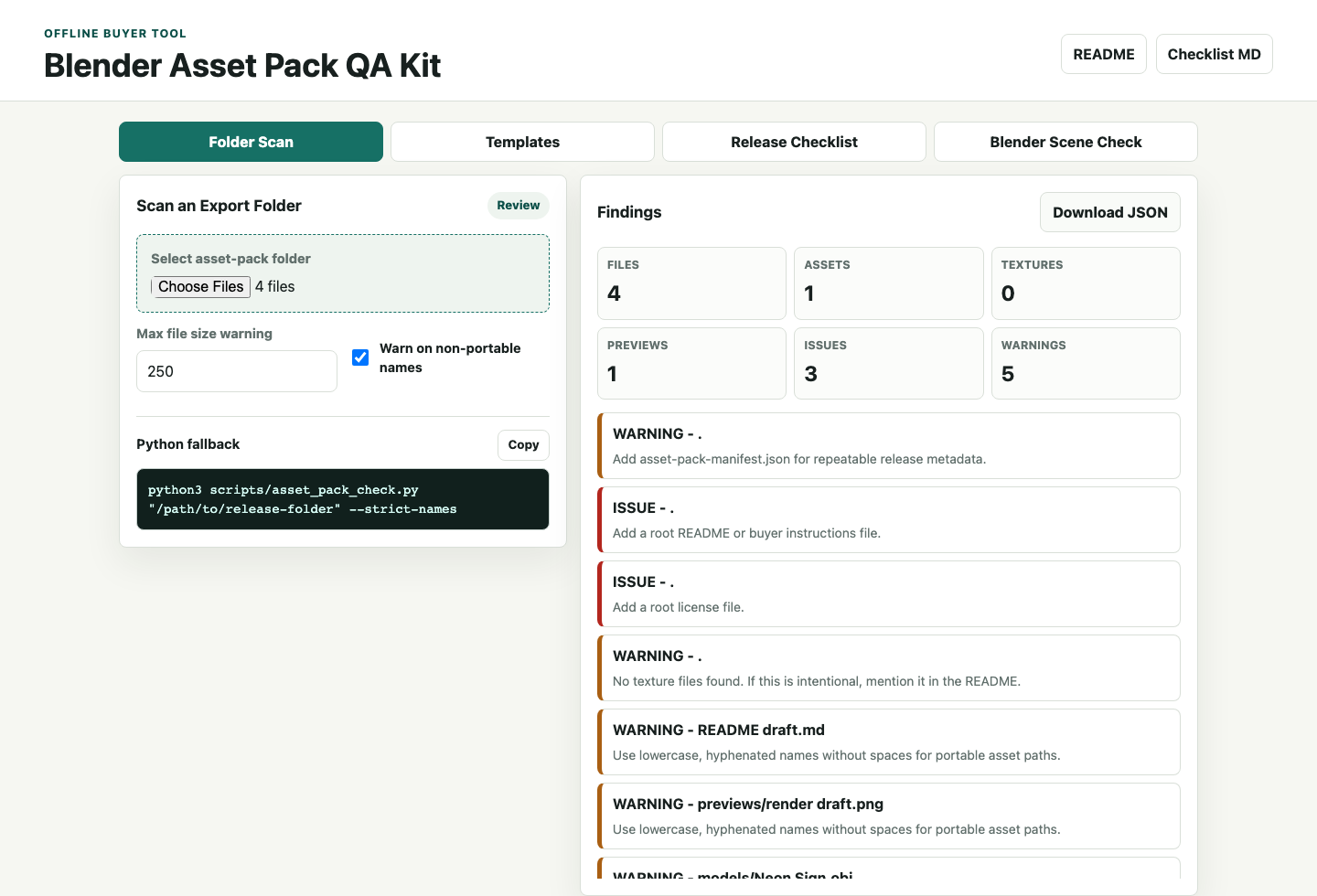
Select a release folder locally and check missing README files, licenses, previews, empty files, hidden OS files, manifest paths, naming risks, and broken OBJ texture references.
For 3D artists selling asset packs
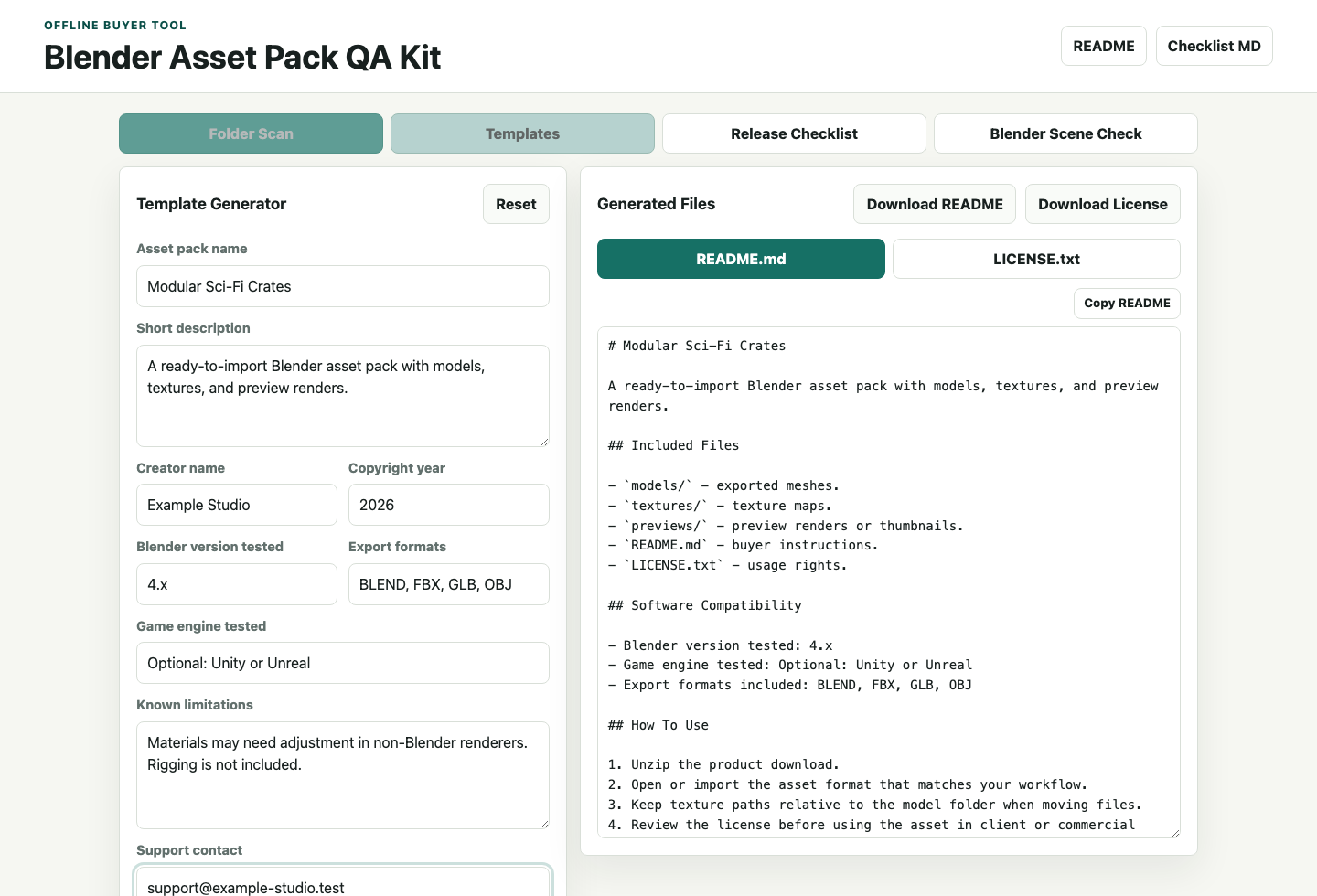
Use the included offline QA workspace to scan an asset-pack folder, review buyer-facing findings, generate README/license templates, track release tasks, and build the optional Blender scene-check command.
What you get
Scan the final release folder locally, review the issues buyers would notice first, and keep the checklist, template generator, and scene-check helper in one place.
Select a release folder locally and check missing README files, licenses, previews, empty files, hidden OS files, manifest paths, naming risks, and broken OBJ texture references.
Generate buyer README/license copy, download the release checklist, and track asset-pack readiness from the same local UI.
Build the optional background Blender command for scene hygiene checks covering mesh names, materials, scale, cameras, collections, and missing image references.
Workflow
Export the final asset files into a clean release folder.
Add buyer docs, preview images, textures, and licensing terms.
Select the release folder in the QA workspace and fix blocking issues.
Use the Blender Scene Check tab for .blend files when applicable.
Practical scope
The kit does not guarantee acceptance by any marketplace. It gives you a repeatable check for common file, documentation, and scene issues that buyers notice quickly.
One-time purchase
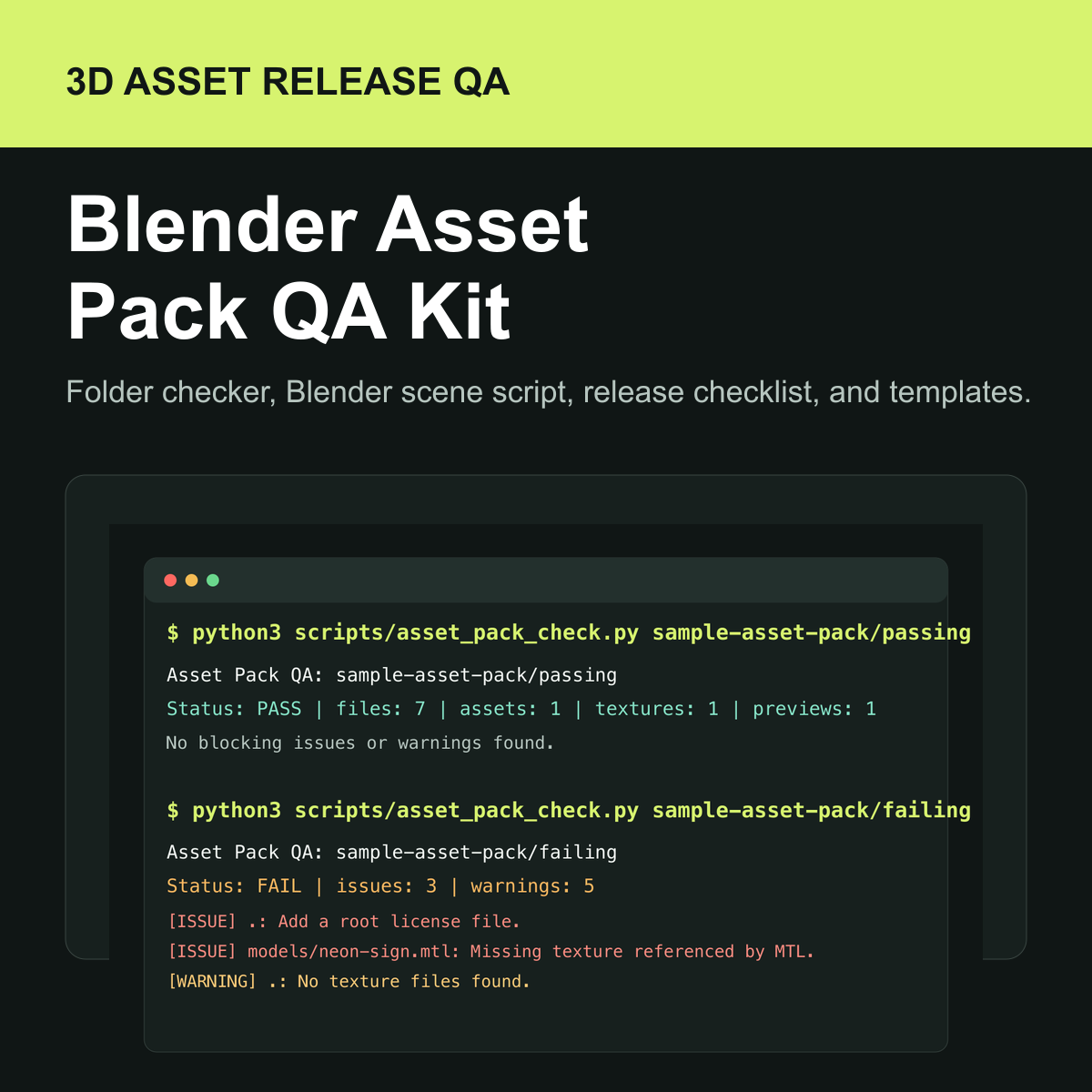
Download the offline QA workspace, Python checker, Blender scene checker, release checklist, buyer README template, license template, and sample packs.
Open Gumroad checkout